Rent that collects
itself.
Tenants enroll in autopay once and rent shows up on time. Reminders, late fees, and receipts run on their own, with every payment posted straight to your ledger.
Bank-grade ACH. No chasing checks, no awkward texts.
December rent
1820 Oak St · Unit 2
$2,100
Received Dec 1 · ACH
Set once. Paid every month.
Tenants connect their bank and turn on autopay in a couple of minutes. On the due date, rent moves by ACH straight to your account. No portals to remember, no checks to deposit.
- Bank-grade ACH, with the tenant's bank connected securely.
- Funds route to your account on the day you set.
- Tenants can split rent with a roommate or pay by card if they prefer.
Autopay enabled
Reminder schedule
Friendly reminder
Sent 3 days before rent is due.
Due date
Autopay runs, payment confirmed.
If late
Late fee of $50 applied per your rule, after your grace period.
No more awkward money texts.
The co-pilot sends polite reminders before rent is due, so most tenants never go late. If one does, your late-fee rule applies automatically after the grace period you set.
You decide the amount, the grace period, and whether fees are flat or a percentage. The system just follows your rule, every time.
Next, set up maintenanceEvery dollar, on the books.
Each payment is posted to the ledger the moment it clears, and a receipt goes to the tenant automatically. Come tax time, the numbers are already organized, no shoebox of receipts required.
- Posted to the ledger per property and unit, automatically.
- Receipts sent to the tenant and stored for both of you.
- Flows straight into your reports and tax packet.
Rent ledger
Dec 1 · Rent
ACH
+$2,100
ReceiptNov 1 · Rent
ACH
+$2,100
ReceiptOct 5 · Late fee
Auto-applied
+$50
ReceiptThree steps to rent on autopilot
Set the rules once, then let it run.
-
1
Tenant enrolls
They connect a bank and switch on autopay in a couple of minutes.
-
2
Rent auto-collects
Reminders go out, rent moves on the due date, late fees follow your rule.
-
3
Logged and receipted
Every payment posts to the ledger and a receipt goes out, ready for tax time.
Questions, answered
How do tenants pay?
Tenants connect their bank and pay by ACH, with autopay as the default. They can also pay by card if they prefer, and roommates can split a single rent charge.
How do late fees work?
You set the amount, whether it is flat or a percentage, and the grace period. After the grace period, the fee is applied automatically and added to the ledger, within your state's limits.
What happens if a payment fails?
You and the tenant are notified right away, the charge is flagged on the ledger, and the co-pilot prompts the tenant to retry. You decide whether a failed-payment fee applies.
When does the money reach my account?
ACH transfers typically settle within a few business days of the due date. Every payment is timestamped so you always know where each one stands.
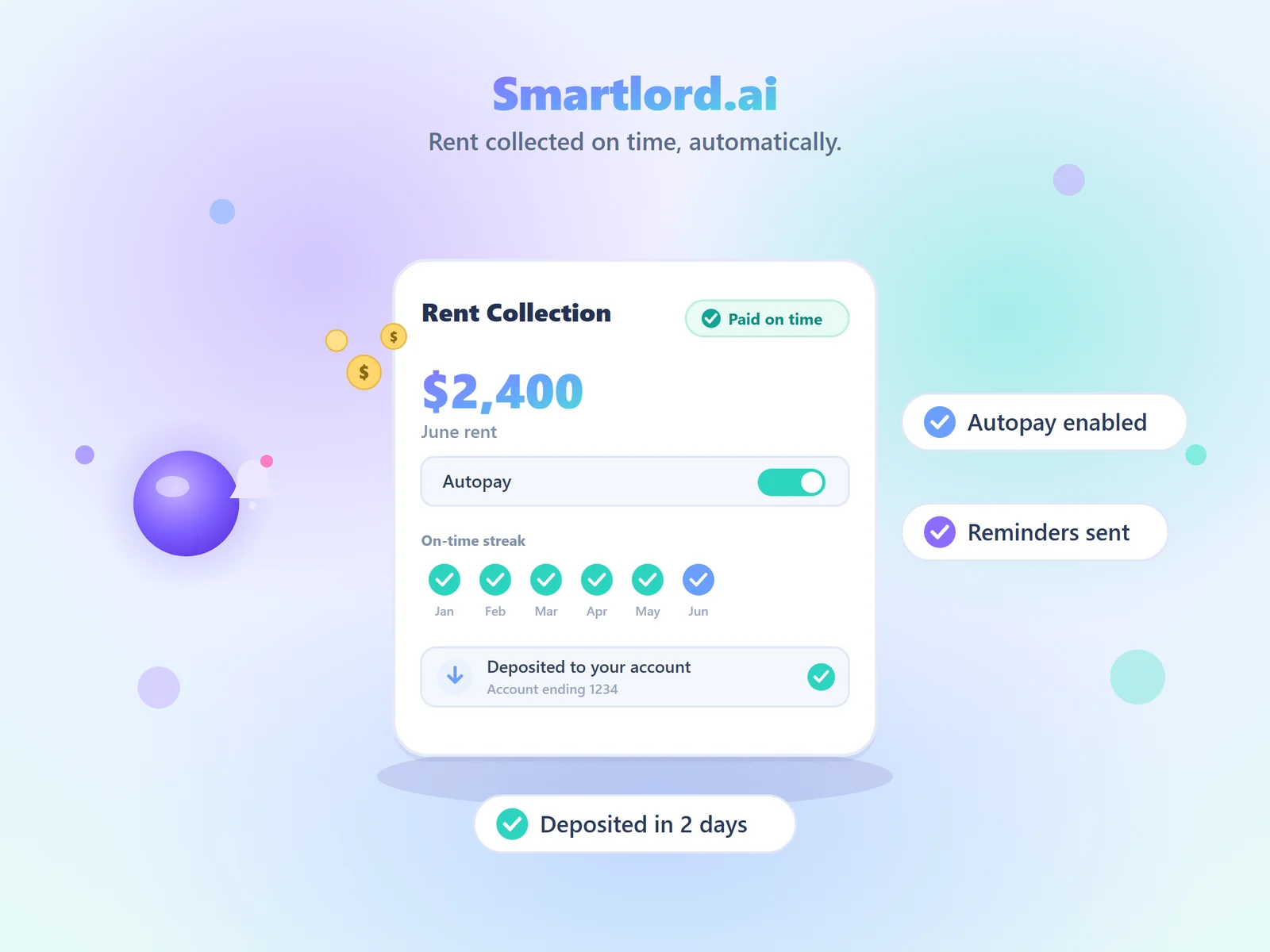
Rent collected on time, automatically.
Autopay, smart reminders, and fast deposits, with every payment tracked to your ledger.
Get paid on time, every time.
Turn on autopay, set your rules once, and let rent collect itself. Start free.
Set up rent collectionFree to start. No card required. Upgrade anytime.