Catch problems
before the call.
Tenants report issues in a tap, the co-pilot triages and dispatches the right vendor, and connected sensors warn you about leaks and temperature before they turn into damage.
You approve the spend. The co-pilot handles the busywork.
Property health
1820 Oak St
Leak detected
Water sensor, Unit 4 kitchen. Vendor suggested.
HVAC not cooling
DispatchedUnit 2 · Joe's HVAC · today 3pm
Requests handled while you sleep.
A tenant taps to report an issue. The co-pilot asks the right follow-up questions, categorizes and prioritizes it, and lines up the right vendor. You get a clear ask: approve the estimate, and it is on its way.
- Smart intake asks for photos and details, day or night.
- Auto-categorized and prioritized, so emergencies jump the line.
- Routed to your vendor, dispatched once you approve the spend.
Work order
Kitchen sink leaking under cabinet
Unit 4 · reported 11:42pm · 2 photos
Connected devices
The unit tells you before the tenant does.
Connect smart leak, temperature, entry, and smoke sensors, and the co-pilot watches them for you. A burst pipe at 2am or a furnace that quits in January becomes an alert, not a five-figure repair.
When a sensor fires, it can open a work order automatically and suggest the right vendor, so the fix is already moving before the damage spreads.
When things go wrong: evictionsNothing slips through the cracks.
Every job runs on a clear timeline, from reported to resolved, with photos, costs, and vendor notes attached. The tenant gets status updates, and you get a clean record for your books and your files.
- A live status on every request, visible to you and the tenant.
- Before and after photos and the final cost stored with the job.
- Costs flow into your accounting as a categorized expense.
Sink repair
Reported · 11:42pm
Tenant sent 2 photos.
Dispatched · 8:05am
Joe's Plumbing, $180 approved.
Done · 10:30am
Fixed, after photo added, expense logged.
Three steps from problem to fixed
You approve the money. Everything else runs on its own.
-
1
Issue is reported
A tenant taps to report it, or a smart sensor fires an alert on its own.
-
2
Co-pilot triages
It categorizes, prioritizes, and lines up the right vendor with an estimate.
-
3
You approve, it ships
Approve the spend and the job runs to done, tracked and logged.
Questions, answered
Do I have to approve every repair?
You are in control. By default, work is dispatched only after you approve the estimate. You can set an auto-approve limit for small jobs, like a clogged drain under $150, so routine fixes do not wait on you.
What smart devices work with Rentari?
Common smart leak sensors, thermostats, smart locks, and smoke and CO detectors. When a device reports trouble, the co-pilot can raise an alert and open a work order automatically.
Can I use my own vendors?
Yes. Add your trusted plumber, electrician, and handyman, and the co-pilot routes the right job to the right person. If you do not have one for a trade, it can suggest a local pro.
How are after-hours emergencies handled?
Emergencies are flagged the moment they come in, day or night, and pushed to the top with an immediate notification. A burst pipe never sits in a queue until morning.
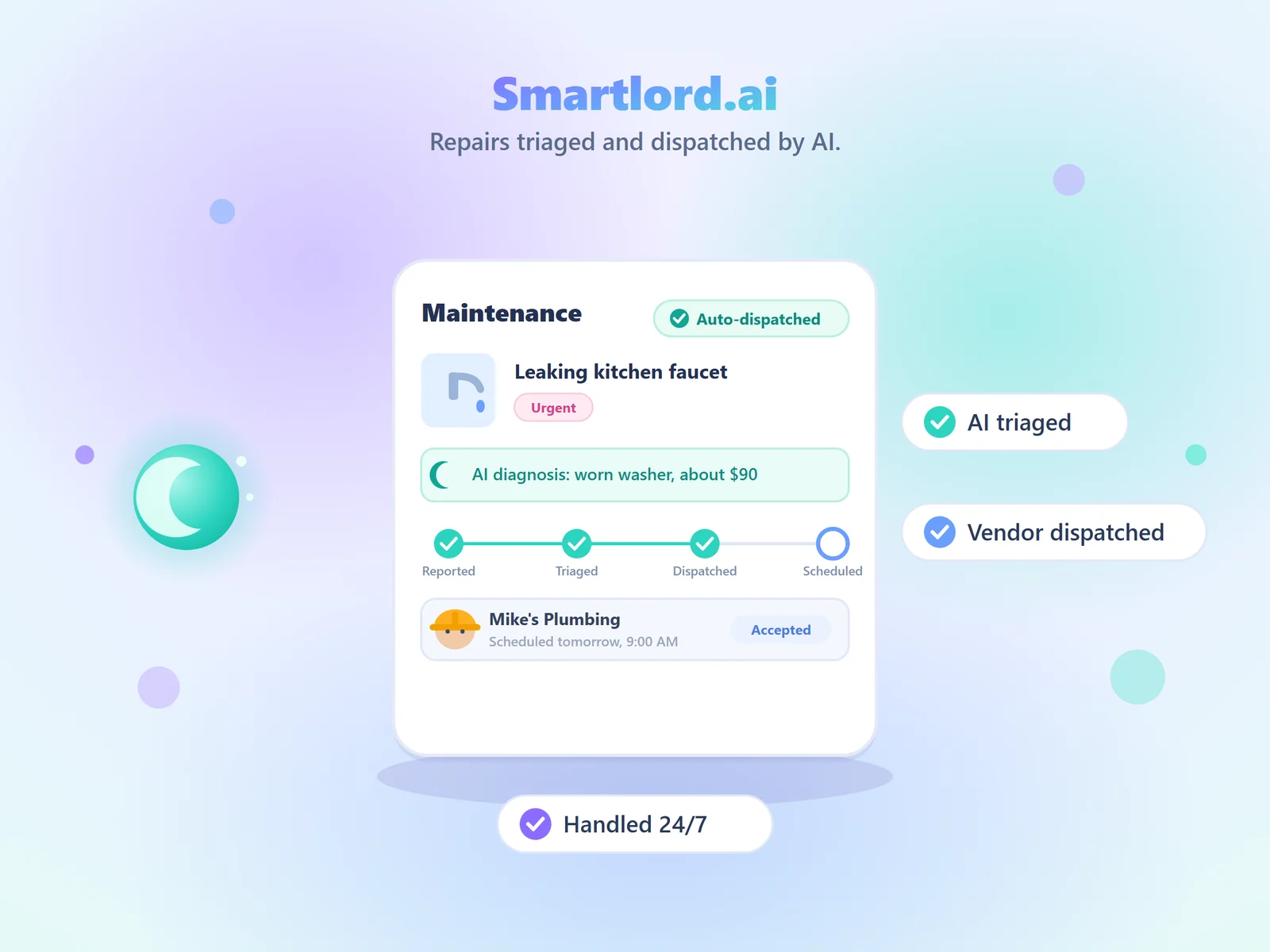
Repairs triaged and dispatched by AI.
The co-pilot diagnoses the issue, dispatches the right vendor, and tracks the job to done, 24/7.
Stop small problems early.
Triage, dispatch, and connected-home alerts, all in one place. Start free and protect every unit.
Protect your propertiesFree to start. No card required. Upgrade anytime.